Speak.
It types.
Hold a key, say what you mean, and clean, punctuated text appears at your cursor. In any app on your Mac.
Free and open source · Apple Silicon · macOS 26 or later
Hold F5 and talk
That's the whole app.
Voce lives in your menu bar and waits. No window to switch to, no copy and paste. It just types.
Hold
Press and hold your push-to-talk key. F5 by default, or pick any key or modifier you like.
Speak
A small capsule at the bottom of the screen moves with your voice. It never steals focus.
Release
Your words land at the cursor in about a second, with the ums gone and the commas in place.
Everything you'd want. Nothing you wouldn't.
Typing is slow. Talking isn't. Voce gets out of the way and lets you write at the speed you think.
Works everywhere
Mail, Slack, Notes, your browser, your editor, your terminal. If you can type there, you can talk there.
Sounds like you, only tidier
Drops filler words, fixes punctuation and matches the tone of the text around your cursor.
Private when you want it
Transcribe and polish entirely on your Mac with Apple's on-device models. No account, nothing leaves your computer.
Multilingual
Detects the language you're speaking, even if you switch mid-sentence.
Context-aware
Reads the text around your cursor, and optionally the active window, so names and terms come out right.
Your choice of engine
On-device, or OpenAI and Deepgram for the fastest streaming. Polish with Apple Intelligence, OpenAI, Groq or Cerebras.
Clipboard-safe
Text is typed as real keystrokes, so whatever you copied stays on your clipboard.
Light on your Mac
No Dock icon, optional launch at login, and almost no CPU while idle.
Open source
Swift and SwiftUI, built for Apple Silicon. Read the code, file an issue, or build it yourself.
Looks and feels like part of your Mac.
A native settings window, light and dark mode, and a quiet capsule that disappears the moment you let go.
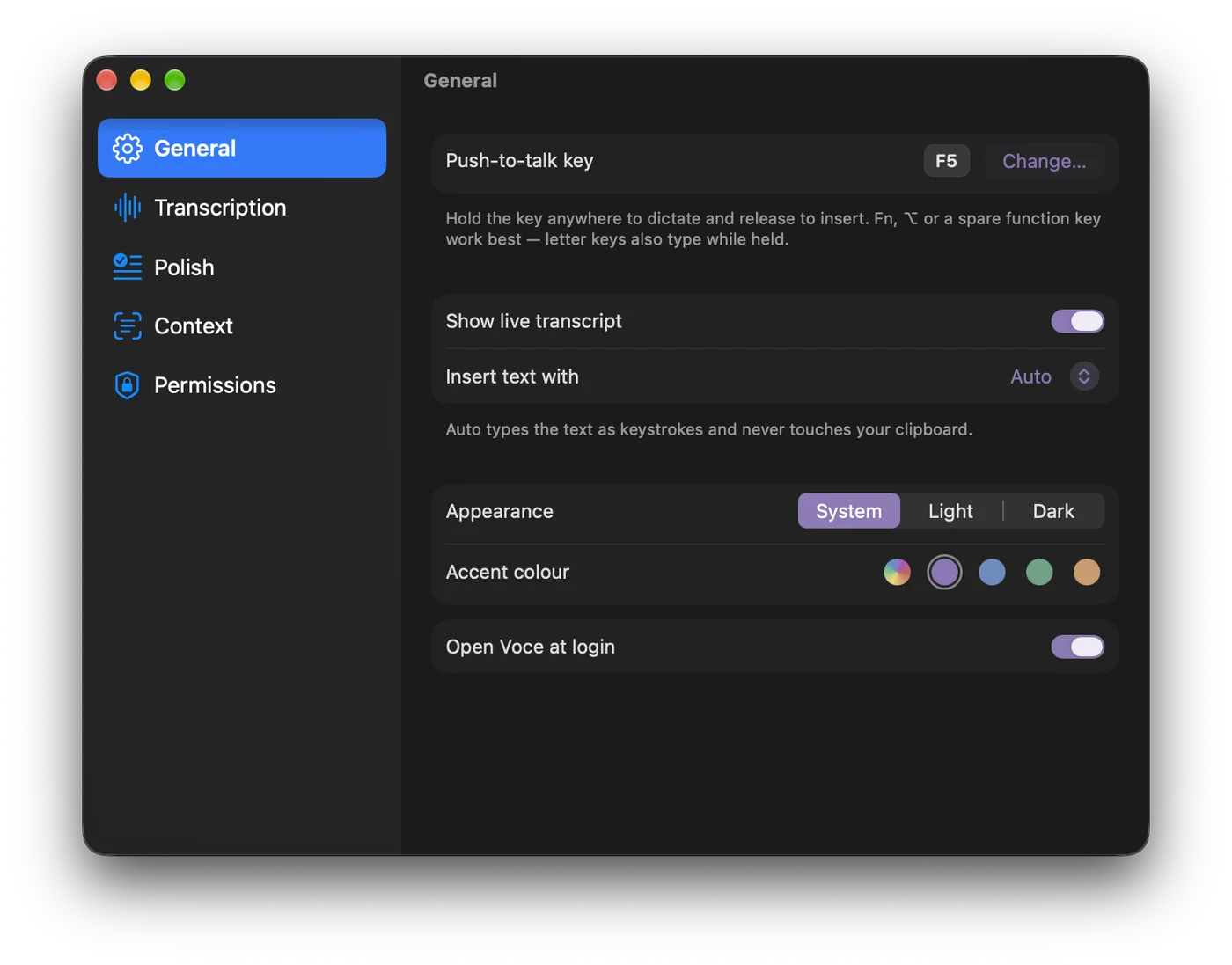
Settings, in the style of System Settings
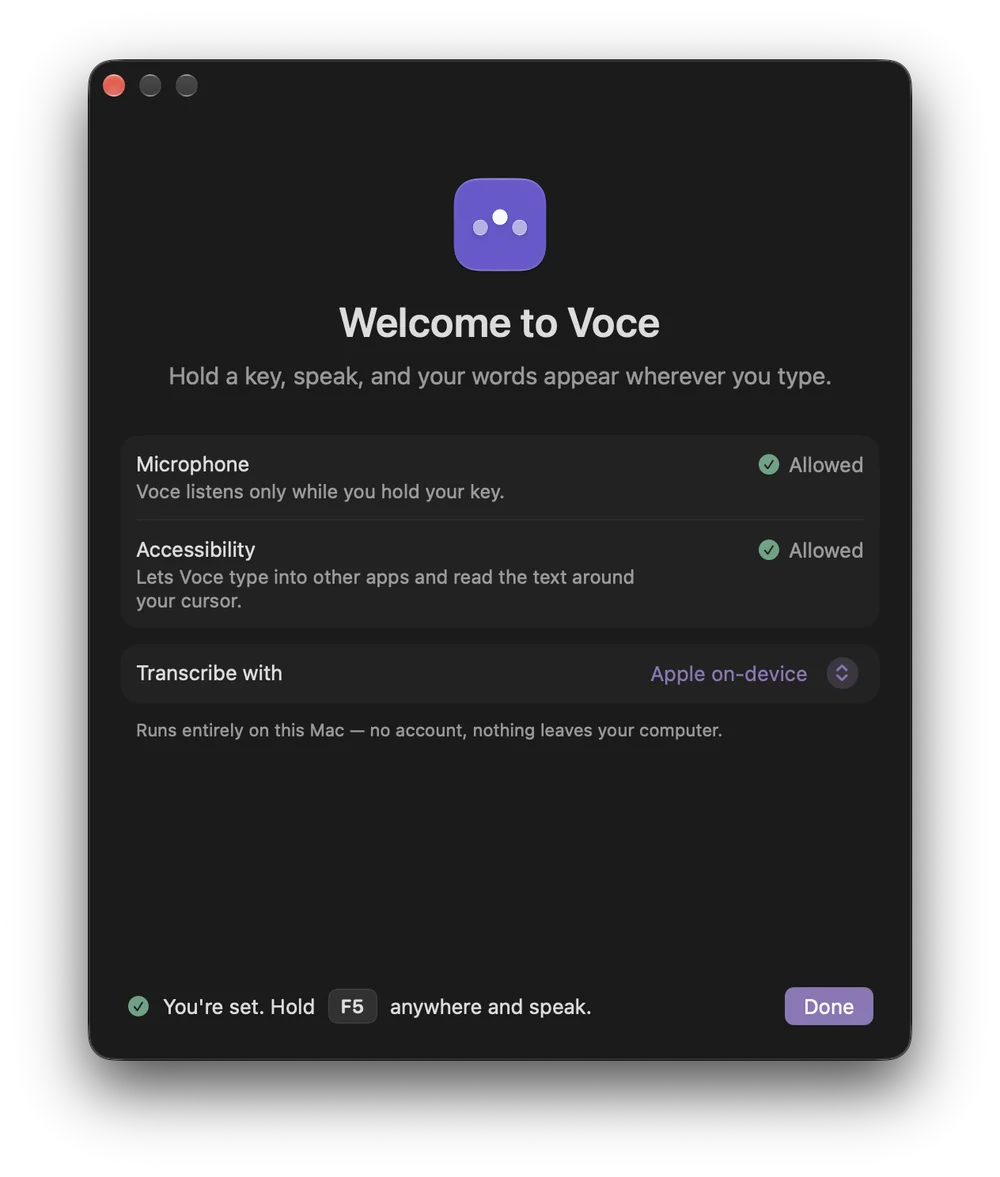
A short welcome gets you set up
It listens only while you hold the key.
Voce keeps no recordings and no transcripts. What you say goes to your cursor, and nowhere else.
- Nothing storedNo audio and no history are kept on disk.
- On-device by defaultApple's speech and language models run entirely on your Mac.
- Cloud only when you chooseIf you pick a cloud provider, audio goes to it only while it is being transcribed.
- Keys in the KeychainYour API keys live in the macOS Keychain, never in a plain file.

Start talking.
Download the DMG, drag Voce into Applications, and grant Microphone and Accessibility access on first launch. That's it.
Requires macOS 26 or later on Apple Silicon.
Prefer to build it yourself? Clone sgstq/voce and run scripts/install.sh.